
 Erica
Erica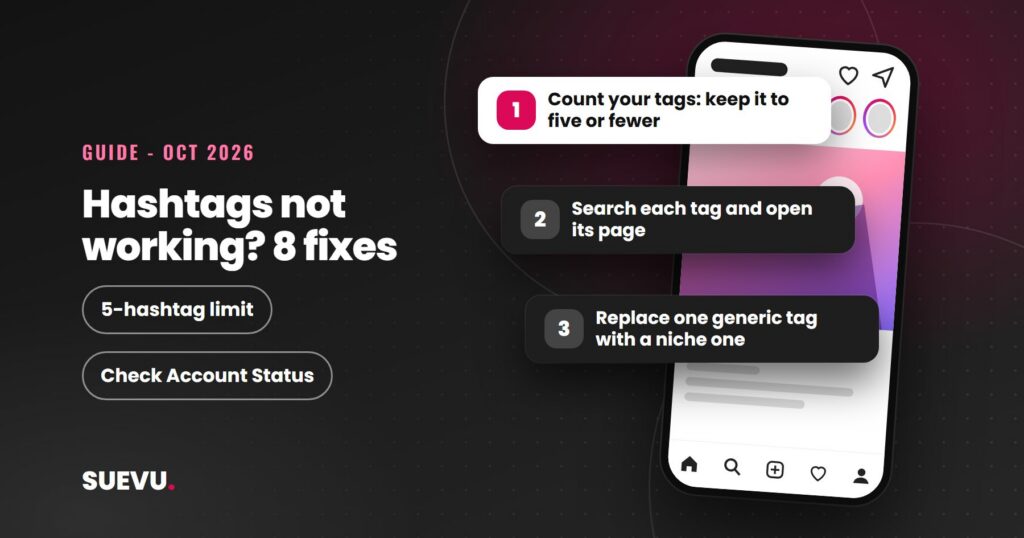
If your Instagram hashtags are not working, the cause is usually one of a handful of things: too many tags, tags that do not match the post, a flagged tag, or expectations that hashtags alone can move reach. This guide goes through each, with what Instagram and Meta have said publicly, read on 21 October 2026, and a plain note where nothing official exists.
One rule change matters most. In December 2025, Instagram said it would limit captions on posts and Reels to five hashtags, and the update is rolling out gradually. If you still paste in 20 or 30 tags, that may be the whole problem.
Quick answer: use up to five hashtags, all clearly relevant to the post, and check each one by searching it before you use it. Check Account Status in Settings to see whether your content is eligible for recommendation. Hashtags help Instagram understand a post, but they do not guarantee reach, and no hashtag trick overrides weak content.
Status: current as of 21 October 2026. Cost: free. Risk: spammy tag use and automation tools can get content limited.
What changed: the five-hashtag limit
Social Media Today reported on 18 December 2025 that Instagram announced, in a post on its creators account on Threads, that it would limit hashtags to five per caption for Reels and posts. It said the change follows a year-long test in which many users were limited to three.
Instagram’s stated reason was that “using fewer (up to 5) more targeted hashtags, rather than many generic ones” can help performance and user experience. Instagram said it will “gradually update” the limit, so some accounts may still see the older allowance of 30 for a while. The report does not say how the limit applies to comments or Stories, so we cannot confirm that. Older advice you may find, including advice on our own earlier version of this page, that recommends the maximum of 30 is out of date.
How hashtags work on Instagram
A hashtag is a label that lets people find posts on a topic. Instagram’s stated aim with the new limit is targeted tags rather than generic ones, and that tells you how to use them: as a description of the post, not as a lottery ticket.
Hashtags are one of several signals. Our guide to the Instagram algorithm explains the others, such as engagement and relationships, and our Explore page guide covers recommendations. Two things follow. A post can use perfect hashtags and still get little reach if people do not engage with it. And a post can have no hashtag problem at all and still be held back for other reasons, covered below.
8 reasons Instagram hashtags are not working
1. You are using too many
- What happens: with a five-tag limit rolling out, a long block may be cut or may not post as you expect.
- Fix: keep to five or fewer, and check what your own app version accepts.
2. The tags do not match the post
- What happens: a tag on a topic your post is not about attracts the wrong audience, and Instagram says it wants targeted tags. Meta’s spam standard targets content “designed to deceive, mislead, or overwhelm users in order to artificially increase viewership”.
- Fix: only tag what the post actually shows or says. Skip filler tags such as #you or #the, which do not describe anything.
3. The tags are too broad
- What happens: a tag with millions of posts is searched by people with very different interests, and your post sits next to a flood of newer ones.
- Fix: prefer a specific tag your actual audience would search. For example, a designer-handbag account gains more from #designerhandbags than #bags. We do not have an official size threshold to give you, so judge by whether the tag’s posts look like yours.
4. The tag is restricted or hidden
- What happens: some tags are limited after community reports. Past coverage and our earlier version of this page describe a notice saying recent posts under a tag are hidden because reported content may not meet its community guidelines. We could not find an Instagram help page that documents that notice today, so treat the message as how it has appeared, not a current promise.
- Fix: search each tag in the app and open it before using it. If the tag’s page shows a warning or looks empty, pick another. Our guide to finding trending hashtags shows a way to research them.
5. The caption is copied unchanged every time
- What happens: Instagram has not published a rule that repeating a hashtag set causes a penalty, so we will not claim one. The practical problem is that posts differ, and the same tags cannot be relevant to all of them.
- Fix: choose tags per post from a short list of topics you cover, instead of pasting a fixed block.
6. A typo or formatting error breaks the tag
- What happens: a misspelled tag will not match what people search, and punctuation or a space ends the tag where you typed it.
- Fix: tap the tag after you post. It should open a tag page.
7. The account or post is not eligible for recommendation
- What happens: content that breaks Instagram’s rules can be left out of recommendations to people who do not follow you. Instagram added Account Status in December 2022 to show this.
- Fix: open Profile, then Menu, then Settings, then Account, then Account Status. It shows whether your content can be recommended and, where something is flagged, sample posts and an explanation. Instagram says all users should now have access, and the announcement specifically mentions professional accounts.
8. The post does not give people a reason to engage
- What happens: hashtags do not replace content. Weak captions, poor timing or low engagement hold reach down whatever tags you use.
- Fix: work on the hook, caption and format first. Our guides on writing Instagram captions and increasing engagement cover this.
A quick fix checklist
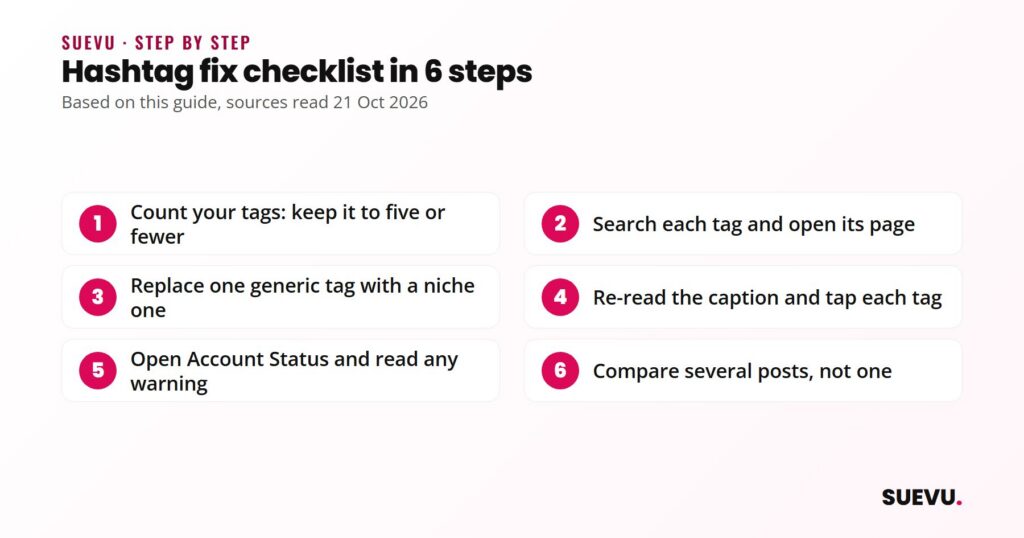
- Count your tags. Keep it to five or fewer.
- Search each tag in the app and open its page. Drop any that look restricted or off-topic.
- Replace one generic tag with one specific to your niche.
- Re-read the caption and tap each tag to confirm it opens.
- Open Account Status and read any warning.
- Compare several posts, not one. Reach varies from post to post, so a single weak post proves little.
What it costs
Nothing. Hashtags and Account Status are built into Instagram, and no paid tool is needed to apply the fixes above. Hashtag generators and analytics apps exist, and our roundup of Instagram business tools compares paid options, but they are optional and cannot override what Instagram’s own rules say about tag limits.
Safety and risks
Hashtags themselves are safe. The risks come from how they are used.
- Spam behavior. Meta’s spam standard bans activity done manually or automatically at very high frequencies, and says accounts that act more slowly can still face restrictions if they also post repetitive content or show other signs of inauthenticity. Stuffing unrelated tags across many posts fits that pattern.
- Automation and growth apps. In November 2018, Instagram said that third-party apps used to grow an audience violate its Community Guidelines and Terms of Use, and that accounts that keep using them “may see their Instagram experience impacted”. Never share your Instagram password with a hashtag or growth service. Those that run likes, follows or comments for you carry the same account risk.
- “Shadowban” claims. Instagram has no official label called a shadowban. If reach drops, the evidence to look at is Account Status, not a third-party “shadowban checker” that cannot see Instagram’s systems.
What hashtags can and cannot do
| Can do | Cannot do |
|---|---|
| Describe a post so people searching a topic can find it | Guarantee reach or a spot on Explore |
| Attract a targeted audience when specific and relevant | Make weak content perform |
| Cost nothing and take seconds | Be stacked past the current limit of five |
| Be tested per post and adjusted | Stay reliable forever: Instagram changes the rules |
Which fix suits which account
- New or small accounts: specific, niche tags and strong content. Few people will see you through broad tags.
- Businesses and brands: keep tags to what the product or service really is, and check Account Status regularly. A brand account is the one you cannot afford to have limited.
- Accounts whose reach suddenly dropped: start with Account Status, then drop restricted tags, before changing anything else.
- Accounts looking for influencers or collaborators: tags help you research a niche. See our guide to finding Instagram influencers.
What to try besides hashtags
Reach depends on more than tags. Write searchable, descriptive captions, post Reels, and encourage real engagement. Our Instagram tips section collects the guides, including how often to post. Avoid shortcuts that promise reach through automation, as covered in the safety section.
Instagram hashtags FAQ
How many hashtags should I use on Instagram?
Up to five. Instagram announced a five-hashtag limit for posts and Reels in December 2025, rolling out gradually, and said fewer, targeted tags are better than many generic ones.
Do hashtags still work on Instagram?
They still label posts for search and topics, but Instagram has said it wants fewer, more targeted tags. We found no official figure for how much reach a hashtag adds.
Why do my hashtags show no results?
Common causes are a typo, punctuation inside the tag, a new tag with no posts, or a restricted tag. Search the tag in the app and open it to see.
How do I know if I am shadowbanned?
Instagram does not use that term. Open Account Status in Settings to see whether your content can be recommended to people who do not follow you and whether anything is flagged.
Do hashtags in comments work the same as in captions?
We could not confirm this. The December 2025 report we read mentions captions only. Check what your current app version allows.
Can using the same hashtags every time hurt me?
Instagram has not published such a rule. Still, the same set cannot be relevant to every post, so choose tags per post.
Rules change often. If something here is out of date, tell us on the contact page, as described in our editorial policy.
Further reading
- Social Media Today: Instagram implements new limits on hashtag use (18 December 2025)
- Social Media Today: Instagram adds Account Status updates (December 2022)
- Meta: Spam community standard
- Instagram: Removing Fake Likes, Follows and Comments (November 2018)