
 Karen Nguyen
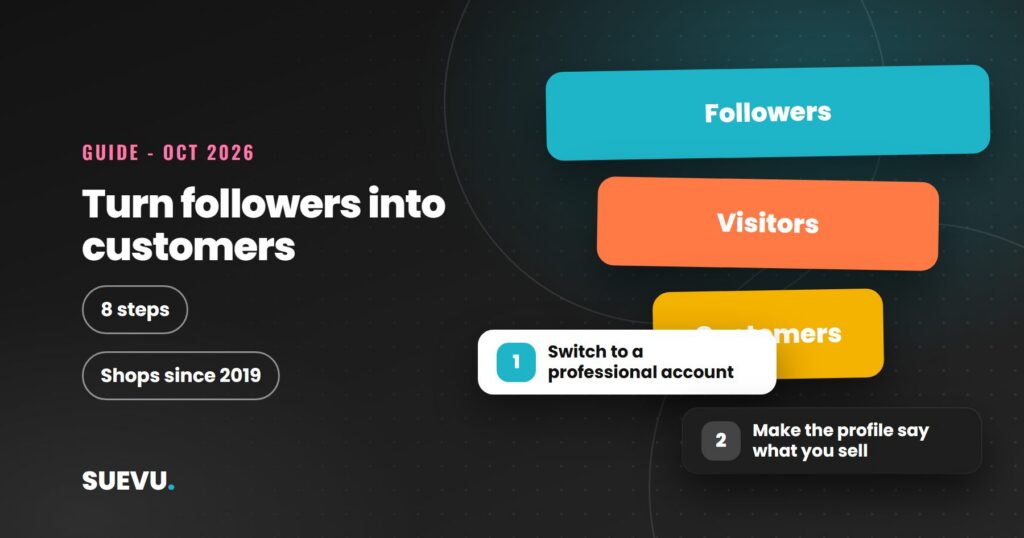
To turn Instagram followers into customers, you need three things working together: a profile that makes it obvious what you sell, a clear path from a post to a purchase or enquiry, and a way to measure what actually leads to sales. Instagram has built-in tools for each of those, and this guide explains what they are and how to use them.
The 2019 version of this article recommended a growth service and quoted conversion claims we could not verify, so both are gone. We do desk research only: facts about Instagram’s tools come from pages we opened on 21 October 2026, mainly Meta’s business pages and Wikipedia’s Instagram article, and the rest is editorial advice. We give no conversion rates, because we found no reliable source for a general figure. Meta’s help centre articles are built with JavaScript and could not be read in full, so check exact menu names and eligibility rules in the app.
Quick answer: use a professional account, make the bio and link say what you sell and where to buy, post content that answers the questions buyers have, and handle messages promptly. Use Insights to see what works and, if you want more reach, try boosting a post. Do not buy followers: they do not buy from you.
Status: current as of 21 October 2026. Cost: free tools plus optional ad spend. Risk: fake followers and automation tools can harm your account and, for commercial use, can fall under US FTC rules.
Followers are not customers
A follower is someone who is interested enough to see your posts. A customer is someone who has taken a further step, such as visiting a shop page, sending a message or buying. Most of the work is in making that second step easy and obvious. A smaller audience that matches your product often does more for a business than a large one that does not, so before chasing numbers, check that your content is aimed at the people who might buy. Our guide to building an Instagram following covers growing an audience.
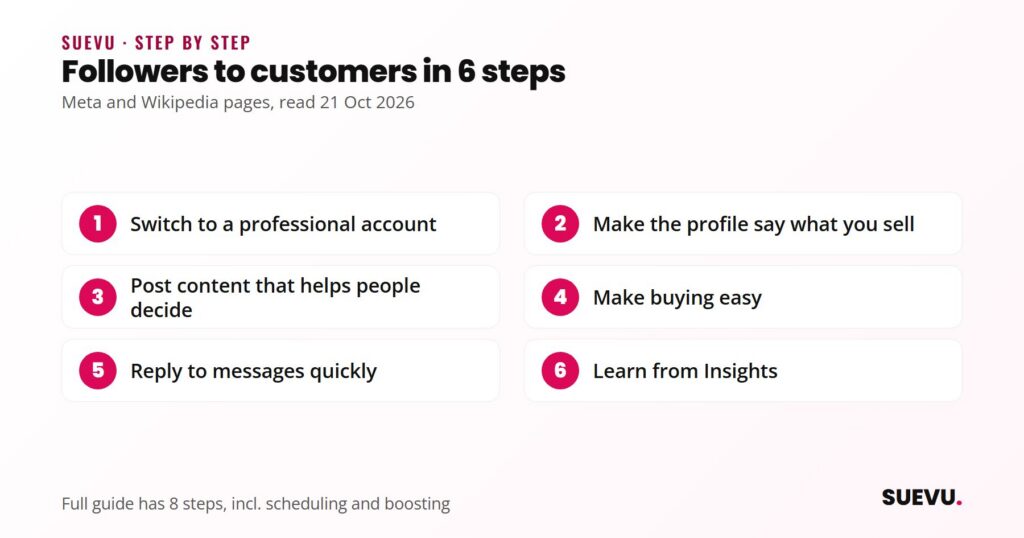
The 8 steps
1. Switch to a professional account
According to Wikipedia’s Instagram article, Instagram introduced business profiles in May 2016 with analytics and the ability to promote posts as ads, and at that time a linked Facebook page was required. Settings have changed since, so check your app for the current options. If you plan to link a Facebook Page, see our guide to linking a Facebook Page to Instagram.
2. Make the profile say what you sell
- Bio: one line on what you sell and who it is for, plus how to buy or contact you.
- Link: point it at your shop, booking page or best-selling product, not just your home page. See our link in bio guide and the Linktree review if you need several links.
- Username and photo: your brand name and logo, so people recognise you across platforms. Our username guide helps.
3. Post content that helps people decide
Think about the questions buyers ask before they buy: what is it, how does it work, what does it cost, how do I know it is for me? Turn those into posts, Reels and Stories: demonstrations, how-to content, behind-the-scenes, and real customer questions answered. Our caption guide and photo guide help with the craft. Use only real customer photos or quotes, and with their permission.
4. Plan a posting schedule you can keep
Consistency matters more than volume. Plan content in batches and use a scheduler if it saves time; our guide on scheduling Instagram posts and the content and scheduling tools section compare options. See also how often to post.
5. Make buying easy
Wikipedia’s Instagram article describes how Instagram’s shopping features developed: product links for business accounts in November 2018, checkout inside the app for merchants in April 2019, and a Shop tab in November 2020. If you sell physical products, look at the shopping options in your account and read Meta’s current eligibility rules, since availability depends on country and business type and we could not read those pages. If you sell services or digital products, a clear link to a booking or product page does the same job.
6. Reply to messages quickly
Meta’s page on Instagram for business (read on 21 October 2026) says businesses can use Instagram Direct conversations to get people to subscribe, book appointments and ask questions. Set up a routine so that no message goes unanswered for days, and keep answers short, accurate and specific. Our guide to managing your Instagram inbox lists tools. Avoid auto-reply bots that pretend to be human or that need your password.
7. Learn from Insights
Wikipedia’s Instagram article says Insights shows top posts, reach, impressions, engagement and demographic data. Check monthly: which posts get saved or shared, which lead to messages or link visits, and who your audience is. Do more of what works. Third-party options are in our Instagram analytics tools list, and our engagement guide shows how to improve the numbers.
8. Consider paid reach once the basics work
Meta’s Instagram advertising page says any existing post can be boosted into an ad, that advertisers can adjust targeting, that you choose a budget and can change it at any time, and that ads can run in Reels and Stories. It lists goals such as awareness, new customers and building relationships. Start small, with a post that already performs well, and measure the result. Paid reach is optional.
Instagram’s business tools at a glance
| Tool | What the source says | Source (read 21 Oct 2026) |
|---|---|---|
| Professional account | Business profiles launched May 2016 with analytics and promotion | Wikipedia, Instagram |
| Insights | Top posts, reach, impressions, engagement, demographics | Wikipedia, Instagram |
| Product links and checkout | Product links Nov 2018, in-app checkout Apr 2019, Shop tab Nov 2020 | Wikipedia, Instagram |
| Direct messages | Subscribe, book appointments and ask questions via conversations | Meta, Instagram for business |
| Boosting and ads | Boost an existing post; adjustable targeting and budget | Meta, Instagram advertising |
Features and names change, and some are not available in every country. Always confirm in the app.
Working with creators
Meta’s advertising page says ads can run in creator partnerships, and Wikipedia’s Instagram article says Instagram added a native affiliate tool for creators in June 2021. If you work with creators, the brand shares responsibility for clear disclosure. The FTC’s Endorsement Guides questions and answers page (read on 21 October 2026) says advertisers should train and monitor influencers, and that free products sent to creators can create a relationship that must be disclosed. Read our overview of Instagram influencer marketing and our guide on finding Instagram influencers.
Measuring sales
Instagram’s numbers show attention, not revenue. To connect them to sales, use the tools you already have: a separate booking or product link for Instagram that you can count, a discount code unique to Instagram, or a simple question at checkout asking how people found you. Compare these against your Insights month by month. We do not quote benchmark conversion rates, because we found no reliable source, and the right figure depends on your product and price.
Safety and risks
- Do not buy followers. They do not buy products, and they can damage trust. The FTC’s reviews and testimonials rule Q&A, which says it went into effect on 21 October 2024, covers knowingly buying fake indicators of social media influence, such as bot-generated followers, to misrepresent influence for commercial purposes.
- Avoid tools that ask for your password or automate follows, likes and comments. They can break Instagram’s terms and may lead to action blocks or restrictions. See our automation and bots reviews for details.
- Be accurate. Do not claim results, reviews or testimonials you cannot support.
- Disclose partnerships. If someone is paid or given products to promote you, they must disclose it.
For other ideas on promotion, see how to promote a business on Instagram and our list of Instagram business tools, or browse the Instagram guides.
Related guides: free follower ideas for students.
FAQ
How many followers do I need to start selling?
There is no minimum for selling through links and messages. Shopping features may have their own eligibility rules, so check Meta’s current pages.
Do I need a business account to sell on Instagram?
For Insights, ads and shopping tools, you need a professional account. You can share a link from a personal account, but you will lack the tools.
Are Instagram Shops available everywhere?
Not necessarily. Availability depends on country and business type, and Meta’s eligibility pages should be checked directly.
Should I boost posts?
It is optional. Meta says any existing post can be boosted with an adjustable budget. Start with a post that already performs well and a small spend.
Can I use automation to message prospects?
We advise against tools that automate actions or need your password. Reply to people who contact you instead.
How do I know if Instagram brings sales?
Use a trackable link or discount code, compare it with Insights, and review it monthly.
Further reading
- Meta: Instagram for business
- Meta: Instagram advertising
- Wikipedia: Instagram
Last reviewed 21 October 2026.