
 Kelli Klassen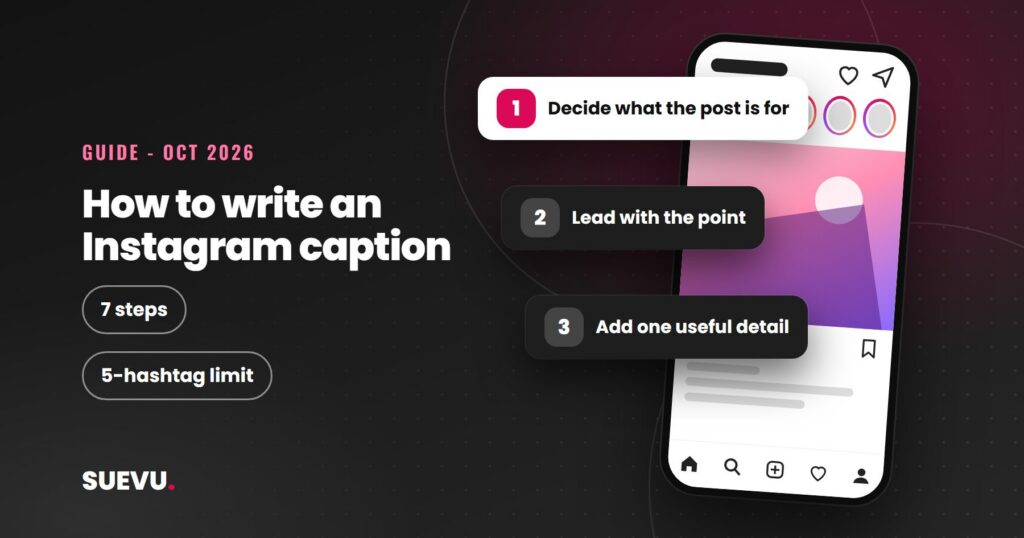
To write an Instagram caption that works, start with the job it has to do: stop the scroll in the first line, give the post some context, and tell people what to do next if you want them to do anything. This guide gives you a step list, a set of caption patterns with original examples, and the current rules on hashtags and disclosures, with sources read on 21 October 2026.
Instagram does not publish a formula for a “good” caption, and we found no official data on ideal length, so the structure below is editorial advice built on what Instagram does say about search, hashtags and ranking.
Quick answer: put the point of the post in the first line, add one useful detail, ask one real question or give one clear next step, and use a few relevant keywords and no more than five hashtags. If you were paid or given free product, say so plainly at the start.
Status: current as of 21 October 2026. Cost: free. Risk: hidden or vague sponsorship wording, and copied captions.
What a caption does on Instagram
A caption is the text under a post or Reel. It does three things for you.
- It gives context. People decide in a moment whether to keep reading, watch to the end or tap your profile.
- It helps search. Instagram’s creators site says search results are matched by text, and that keywords and hashtags should go in the caption, not the comments, for a post to be found in Search.
- It prompts a response. Instagram’s ranking explainer lists commenting, liking, sharing and spending time on a post among the actions it predicts in Feed. A clear question or next step gives people something to act on. Our guides to the Instagram algorithm and to increasing engagement cover the rest.
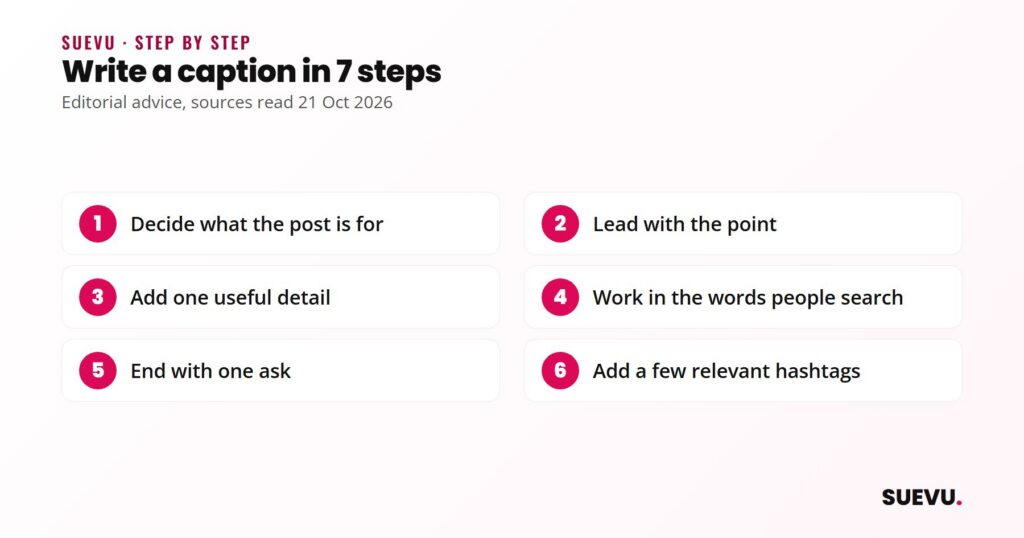
How to write an Instagram caption in 7 steps
1. Decide what the post is for
- Do: finish this sentence before you type: “After reading this, I want people to ___.” The answer might be to save the post, answer a question, visit your shop or just enjoy it.
2. Lead with the point
- Why: long captions are cut behind a “more” link. The US Federal Trade Commission’s influencer guidance notes that information behind a “more” link is easy to miss, which confirms that part of a caption can be hidden by default.
- Do: put your hook and your key message in the first line. Treat anything after that as a bonus for people who keep reading.
3. Add one useful detail
- Do: give the reader something the image does not show: what it is, why it matters, a tip, or how you made it. One clear detail beats five vague ones.
4. Work in the words people search
- Do: include the plain words someone would type to find this post, such as the topic, product type or place. Use them naturally, in the caption itself.
5. End with one ask
- Do: pick a single call to action: a question you want answered, “save this for later”, or “details are linked in our bio”. More than one asks dilutes all of them.
6. Add a few relevant hashtags
- Do: use only tags that describe the post. See the limit under “Length, hashtags and where to add them” below.
7. Read it once as a stranger, then post
- Do: check spelling and names, make sure any tags and links work, and add any sponsorship disclosure. To fix a mistake later, Instagram’s help centre says to open the options for your post, choose Edit, change the caption and save.
8 caption patterns with original examples
The examples below are written by us for illustration only. We have not tested them, and Instagram has published no data on which style performs best. Replace the details with your own.
1. The one-liner
- Use when: the image says most of it.
- Example: “Sunday, finally slow.”
2. The question
- Use when: you want comments.
- Example: “Trail or beach for the long weekend? Pick one and tell me why.”
3. The quick tip
- Use when: you teach something.
- Example: “One change that made my sourdough easier: weigh the flour instead of scooping it. Save this for your next bake.”
4. The behind-the-scenes note
- Use when: you run a small business or a project.
- Example: “Packing orders at the kitchen table again. Every parcel gets a handwritten tag.”
5. The short story
- Use when: you have a moment worth telling.
- Example: “Missed the last train, found the best late-night noodle stall in town. Worth the detour.”
6. The announcement
- Use when: there is news.
- Example: “New print is out on Friday. Details in our bio, and I will answer your questions below.”
7. The list
- Use when: you can break something into items.
- Example: “Three things in my camera bag today: a prime lens, spare batteries, a notebook.”
8. The disclosed partnership
- Use when: a brand paid you or gave you something.
- Example: “Ad: the brand gave me this jacket to review. Here is what I think of the fit and fabric.”
If you like to borrow a line from somebody else, read our note on using Instagram quotes and give credit rather than passing someone’s words off as yours. For text that sits on your profile instead of under a post, see our guide to cute Instagram bios.
Length, hashtags and where to add them
- Caption length. The Instagram help pages we read on adding and editing captions do not state a character limit. Meta’s developer documentation for the Instagram Graph API gives a maximum of 2,200 characters for captions published through the API, so that is the best official figure we could confirm, and it applies to that publishing method. Check the counter in your own app.
- Hashtags. Social Media Today reported on 18 December 2025 that Instagram will limit captions on posts and reels to five hashtags, rolling out gradually, and that Instagram said a few targeted tags can help. The API documentation we read still lists 30 hashtags, which may be out of date. Our hashtag troubleshooting guide covers the details.
- Caption versus comment. For Search, Instagram’s creators site says to put keywords and hashtags in the caption, not the comments.
- Alt text. This is separate from the caption. Instagram’s help centre says automatic alt text describes photos for people with visual impairments, you can replace it with a better description, and it is read only by people using a screen reader.
- Reel subtitles. On-screen captions in a video are a different feature from the caption text under it, and we have not covered them here.
What it costs
Nothing. Writing and editing captions is built into Instagram; see more in our Instagram tips section. Caption generators and planners exist, but you do not need one, and generated text still needs your own details and a human read before posting.
Safety and risks
- Sponsorship disclosure. The FTC’s guidance for influencers says to disclose any financial, employment, personal or family tie to a brand, including free or discounted products. It says to put the disclosure with the endorsement where people will notice it, not on a profile page, at the end of a post, behind a “more” link or buried among hashtags. It suggests plain terms such as “ad” or “sponsored” and says vague shorthand like “sp” or “collab” is not enough, and that a platform’s disclosure tool alone should not be assumed to be enough. This is US guidance; other countries have their own rules.
- Copied captions and quotes. Copying another person’s text as your own is unfair to the author. Quote with credit or write your own.
- Personal details. Do not put phone numbers, home addresses or other private details in a caption. Anyone who can see the post can read it.
- Engagement bait and automation. Asking a real question is fine. Services that post comments or likes for you violate Instagram’s rules, and Instagram said in 2018 that accounts using such apps may see their experience affected. Never share your password with a caption or growth tool.
What a caption can and cannot do
| Can do | Cannot do |
|---|---|
| Add context, personality and searchable keywords | Guarantee comments or reach |
| Prompt people to answer, save or visit a link | Rescue a post nobody wants to watch |
| Make a post easier to find in Search | Replace relevant hashtags and strong content |
| Be edited after posting | Replace a clear sponsorship disclosure where one is needed |
Which style suits which account
- Personal accounts: short, human captions. One-liners and small stories fit.
- Small businesses: tips, behind-the-scenes notes and clear announcements, with keywords customers would search.
- Creators with sponsors: a plain disclosure at the very start, then your honest take.
- Accounts building an audience: pair strong captions with consistent posting. See our guide on how to build an Instagram following.
When you are stuck
- Write the caption as if you were texting a friend, then trim it.
- Start with the answer to “why did I post this?” and cut the rest.
- Reuse your own best-performing structures, using Insights if you have a professional account.
- Ask a friend or colleague how they would describe the post in one sentence.
- Keep a private notes file of ideas, so you are never starting from blank.
Instagram caption FAQ
How long should an Instagram caption be?
Instagram has not published an ideal length. Make it as long as it needs to be, and put the important part first because longer captions are cut off behind “more”.
What is the caption character limit?
The help pages we read did not state one. Meta’s Instagram Graph API documentation lists 2,200 characters for captions published through the API. Check your own app.
How many hashtags should I use in a caption?
Social Media Today reported in December 2025 that Instagram is limiting captions to five hashtags, rolling out gradually.
Can I edit a caption after posting?
Yes. Instagram’s help centre says to open the post’s options, choose Edit, change or delete the caption and save.
Do keywords in a caption help people find my post?
Instagram’s creators site says search is matched by text and recommends keywords in the caption rather than the comments.
Do I have to say a post is an ad?
In the US, the FTC says material connections to a brand should be disclosed clearly. Check the rules in your own country and the platform’s branded content policies.
Rules change often. If something here is out of date, tell us on the contact page, as described in our editorial policy.
Further reading
- Instagram for Creators: What Creators Need To Know About Instagram Recommendations (keywords and hashtags in the caption for Search)
- Instagram Help Center: Add, edit or delete the caption of an existing post
- Social Media Today: Instagram implements new limits on hashtag use (18 December 2025)
- US FTC: Disclosures 101 for Social Media Influencers