
 Grace Sullivan
Planoly made its name with the drag-and-drop Instagram grid planner, and it now bundles scheduling for eight networks, a link-in-bio store and DM automation into three plans. Instagram’s own scheduler is free and covers much of what a solo creator needs, so the useful question is what Planoly adds on top. Prices and limits below are as read on 18 November 2026.
We didn’t sign up for or pay for Planoly. Facts come from its pricing page and help center, Instagram’s Help Center and Trustpilot.
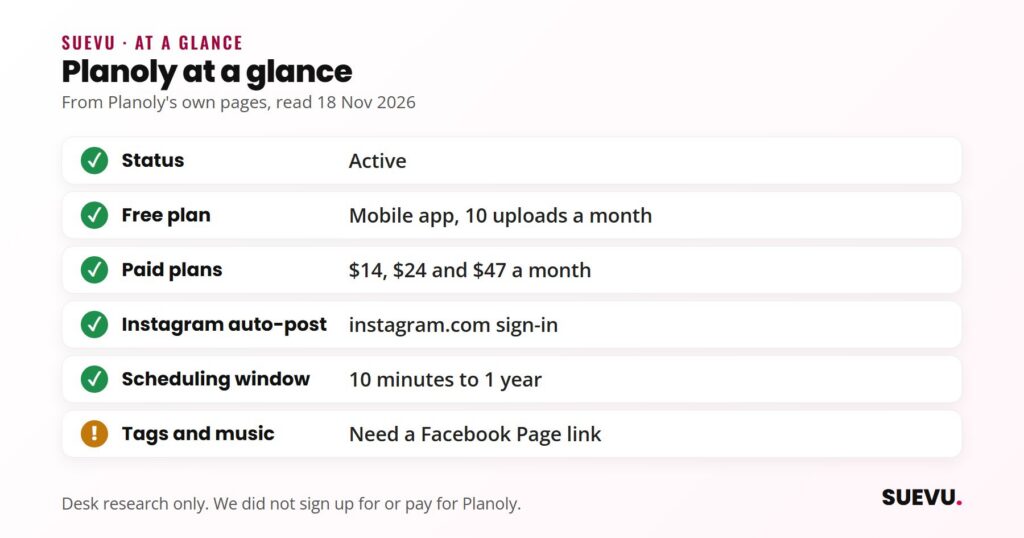
Quick answer: Planoly is an active social media planner with a free mobile plan (10 uploads a month) and three paid plans listed at $14, $24 and $47 a month, each with a 14-day free trial. It auto-posts to Instagram with a plain instagram.com sign-in and schedules up to a year ahead; a linked Facebook Page adds location, tags, collaborators and music. Instagram’s own app schedules up to 30 days ahead for free.
Status: active. Price from: free (10 uploads), then $14 a month. Safety: connects through Instagram’s and Meta’s own login.
What Planoly is
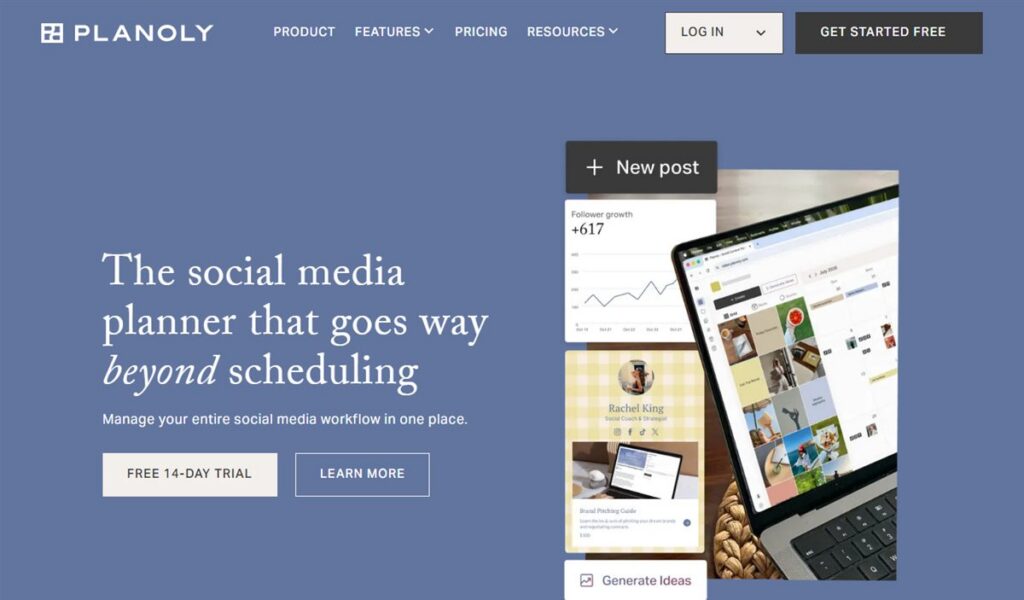
Planoly covers Instagram, TikTok, LinkedIn, Facebook, YouTube, Threads, Pinterest and X from one calendar. Its pricing page says it “invented grid planning”, the visual preview of your Instagram feed before you post, and that’s still the feature people know it for. Each plan is built around “social sets”: one set holds one account per network, so a second brand needs a second set. Our Content & Scheduling category has the other planners we’ve reviewed.
How it connects to Instagram
Planoly’s help article on auto-posting, updated 21 October 2026, describes two kinds of connection. A single sign-in at instagram.com “is enough to publish and to see analytics”, covering posts, carousels, Reels, Stories and first comments. A second link through a Facebook Page adds location, people and product tags, collaborators and music. As the help article describes them, both are sign-ins on Instagram’s or Facebook’s own pages.
The same page lists the limits: posts must be scheduled at least 10 minutes ahead and no more than a year out; a post or Reel takes 1 to 10 items with a 2,200-character caption and 30 hashtags; a first comment allows 2,000 characters; Stories take one item, with video up to 60 seconds. Where a platform doesn’t allow auto-posting, the pricing page says Planoly sends a push notification so you can post natively instead.
What you get
Every paid plan includes the same features: AI content ideas and caption suggestions, the visual grid planner, a calendar of holidays and trends, a media library, auto-replies and Instagram DM automation, and a link-in-bio page where you can sell digital products, services and bookings. Planoly says that store has zero transaction fees, which is a real difference from Beacons, whose cheaper plans take 9% of each sale. The plans differ in how many social sets and users they include.
Pricing
Prices are in US dollars from Planoly’s pricing page on 18 November 2026. The page showed the same figures with its annual toggle on and after we switched it, so we couldn’t confirm a separate monthly price. Its FAQ says annual plans are “billed upfront at a discounted rate” and the toggle says you save up to 15%.
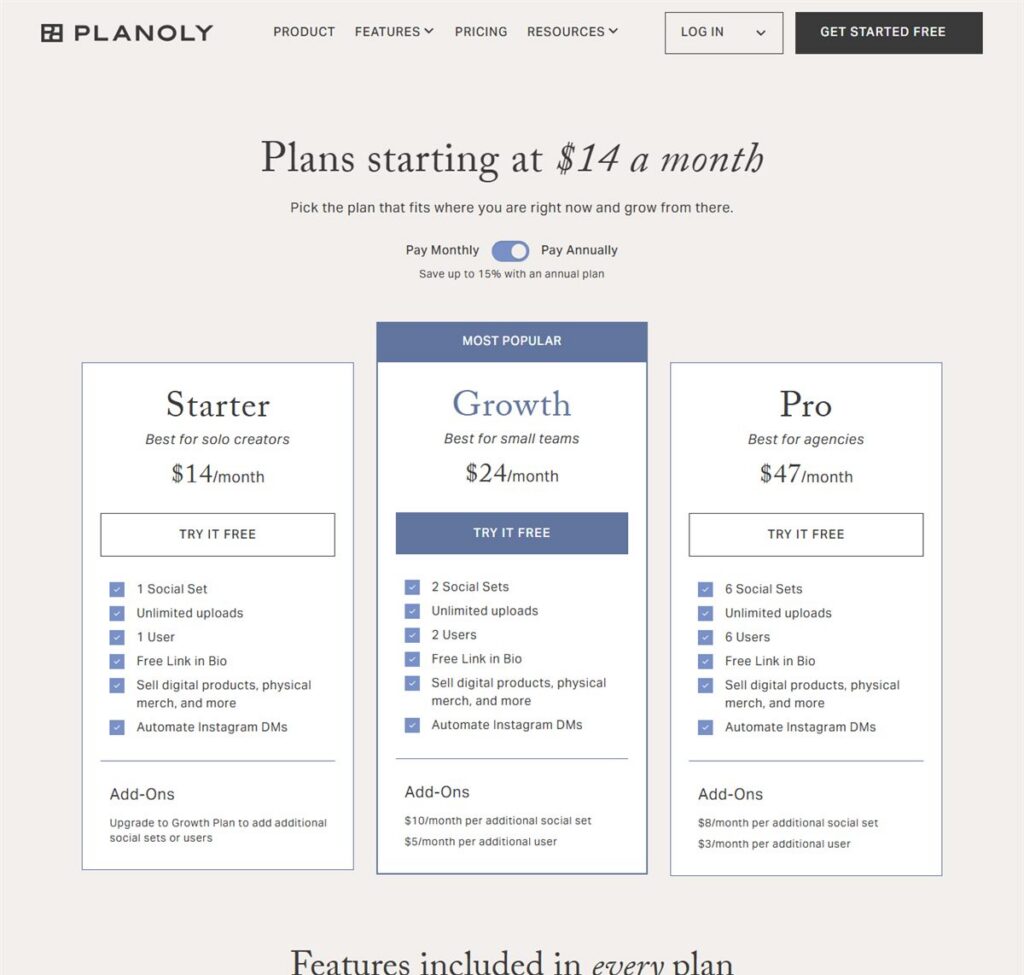
| Plan | Listed price | Social sets | Users | Add-ons |
|---|---|---|---|---|
| Free (mobile app) | $0 | 1 | 1 | 10 uploads a month |
| Starter | $14 a month | 1 | 1 | None; upgrade to add sets or users |
| Growth | $24 a month | 2 | 2 | $10 a month per extra set, $5 per extra user |
| Pro | $47 a month | 6 | 6 | $8 a month per extra set, $3 per extra user |
Paid plans have unlimited uploads and a 14-day free trial, and you can cancel or downgrade at any time. The page doesn’t mention refunds.
Planoly vs Instagram’s own scheduler
Instagram’s Help Center says a public account can schedule Reels, photos and carousels from the app, up to 25 posts a day and up to 30 days in advance, at no cost. Product tags, collaborative posts and sponsored posts can’t be scheduled that way. Planoly’s advantages are the longer window (up to a year), Stories and first comments, the grid preview, other networks, and team access. If you post a few times a week on Instagram alone, the native scheduler may be all you need; our guide to scheduling Instagram posts walks through it.
What users say
On Trustpilot, Planoly has 3.2 out of 5 from 61 reviews, with only 6 written in the last 12 months (read 18 November 2026). The split is 26% five-star and 62% one-star, and Trustpilot notes the company hasn’t invited reviews recently and hasn’t replied to negative ones. A September 2026 reviewer called the mobile app glitchy and said social connections expire and can’t be reconnected from a phone; an August 2026 reviewer who’d used it for six years praised a new direction under a new CEO. Older complaints mention renewal charges and slow support. The reviews are on Trustpilot.
Pros and cons
Pros
- The visual grid planner it’s known for.
- Schedules up to a year ahead, including Stories and first comments.
- Link-in-bio store with zero transaction fees on every paid plan.
- Free mobile plan and a 14-day trial on paid plans.
Cons
- Monthly vs annual prices aren’t clear on the pricing page.
- Free plan is mobile only with 10 uploads a month.
- Tags, collaborators and music need a linked Facebook Page.
- Mixed Trustpilot reviews, few of them recent.
Who it suits
Planoly suits creators and small brands who plan their feed visually and post to several networks, and small teams that want to share one calendar. A solo creator posting only to Instagram can start with the free native scheduler and see if they need more.
Alternatives
If you manage several client accounts, Pallyy prices by client instead of by user. For more options, see our Instagram manager tools roundup, and check each tool’s pricing on the day you decide.
Planoly FAQ
Is Planoly free?
There’s a free plan in the mobile app with 10 uploads a month. Paid plans are listed from $14 a month and come with a 14-day free trial.
How much does Planoly cost?
Starter $14, Growth $24 and Pro $47 a month, as listed on 18 November 2026. Annual billing is paid upfront and saves up to 15%.
Does Planoly auto-post to Instagram?
Yes, for posts, carousels, Reels, Stories and first comments, with a plain instagram.com sign-in. Location, tags, collaborators and music need a linked Facebook Page.
How far ahead can Planoly schedule?
From 10 minutes to a year ahead, according to its help center. Instagram’s own scheduler allows up to 30 days.
Can I cancel Planoly anytime?
Its pricing page says you can cancel or downgrade at any time. It doesn’t mention refunds.